2026 Best Industrial Panel PC Types for Global Buyers
Choosing an Industrial Panel Pc in 2026 requires more than comparing screen sizes and processor labels. Global buyers must match the computer to the working environment. A food-processing line may need a stainless-steel front, sealed connectors, and easy cleaning. A warehouse terminal may value sunlight readability, glove-friendly touch control, and flexible mounting. A control cabinet may demand fanless cooling, wide-temperature operation, and stable performance beside motors and inverters.
Automation journalist and industry analyst Gary Mintchell has expressed a practical principle: “Technology matters only when it improves the work.” That idea deserves attention here. A powerful Industrial Panel Pc can still be a poor choice if operators struggle to read its display or technicians cannot replace its storage quickly. Specifications can look impressive. The installation may tell another story.
This guide examines the major Industrial Panel Pc types available to international buyers in 2026, including rugged, stainless-steel, fanless, modular, and sunlight-readable models. It considers processor architecture, display technology, ingress protection, operating systems, connectivity, lifecycle support, and service access. These details affect uptime more than marketing language.
There is no universal winner. An IP65 rating does not remove every maintenance risk. A high-resolution display does not guarantee comfortable operation. Even a reliable supplier may offer uneven regional support. Buyers should question assumptions, test realistic workloads, and request clear warranty terms before committing. The strongest decision balances present performance with five-year serviceability, operator safety, and the uncertain conditions of real industrial work.
Industrial Panel PC Definition and Core Industrial Applications
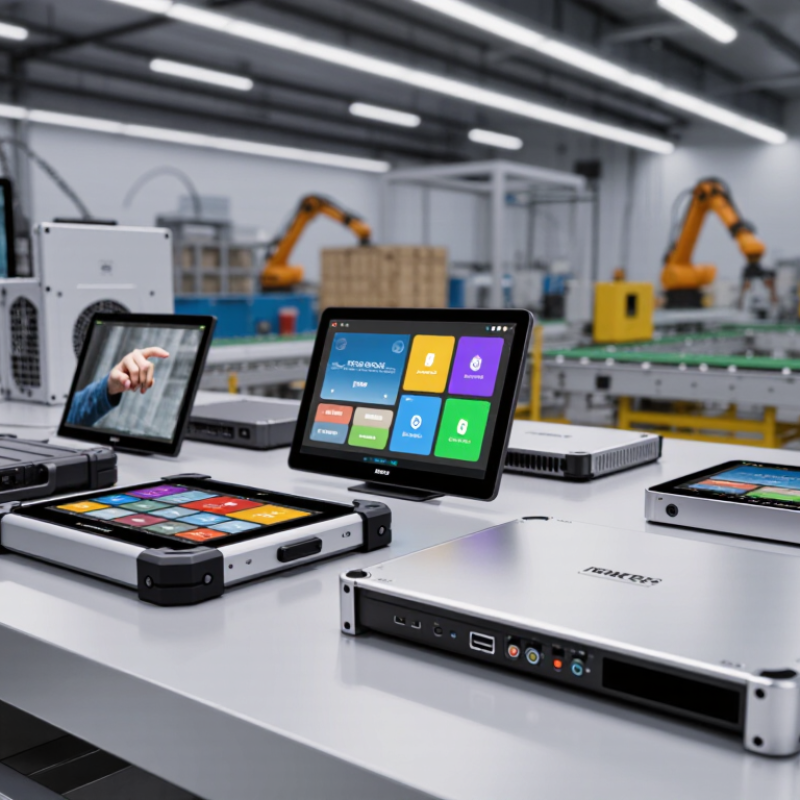
An industrial panel PC combines a computer, display, and control interface in one rugged enclosure. Unlike office computers, it handles dust, vibration, temperature changes, and continuous operation. Its touchscreen lets operators monitor production data, adjust settings, and respond to alarms near the machine. Sealed front panels also simplify cleaning in demanding work areas. For global buyers, the definition includes more than hardware. It includes stable operation within local power, safety, and environmental requirements. Not every model fits.
In factory automation, panel PCs display machine status, production counts, and maintenance alerts. Operators can adjust conveyor speeds without leaving the production line. In food processing, stainless-steel housings and sealed surfaces support frequent washdown routines. Warehouses use them for inventory control, barcode workflows, and vehicle dispatching. Water treatment facilities rely on panel PCs to track pumps, valves, pressure, and flow. Some systems also connect with cameras, sensors, and programmable controllers through industrial communication ports.
Reliable selection begins with the operating environment. Check processor performance, memory, storage endurance, screen brightness, and mounting options. A sunlight-readable display matters near loading bays. Fanless cooling reduces dust entry but may limit performance. Confirm the working temperature range and ingress protection rating. Interfaces should match existing controllers and network equipment. Field experience shows that connector placement is often overlooked. That small mistake can slow maintenance. Specifications may look perfect on paper. Real installation conditions can disagree. Testing a sample unit under actual heat, vibration, and workflow conditions remains a practical safeguard.
Main Types of Industrial Panel PCs by Design and Installation
2026 Best Industrial Panel PC Types for Global Buyers
Main Types of Industrial Panel PCs by Design and Installation
Industrial panel PCs differ mainly by enclosure design and installation method. Flush-mount models sit inside a control cabinet, leaving a clean, protected front surface. They suit production lines, inspection stations, and operator interfaces. VESA-mounted units attach to arms or stands, offering better viewing angles near machines. Rack-mount versions fit standard control racks and support centralized monitoring. Open-frame panel PCs are useful for embedded kiosks, but they need a carefully designed outer enclosure.
Box-style panel PCs provide flexible installation behind displays or inside compact cabinets. Stainless-steel models support washdown areas and food-processing environments. However, material alone does not prove hygiene suitability. Buyers should check sealing, surface joints, cable glands, and cleaning procedures. MarketsandMarkets reports that the industrial PC market may grow from about USD 5.8 billion in 2024 to over USD 7.9 billion by 2029. Grand View Research also identifies automation and edge computing as important growth drivers. These figures support demand, but they do not identify the best mounting type for every factory.
Tips: Measure cabinet depth, cable clearance, and viewing height before ordering. Check IP ratings under the actual installation conditions. A higher rating is not automatically better. Thermal testing matters, especially with sealed enclosures and continuous workloads. I would not choose only by screen size. A bright display can still fail when gloves, vibration, or oily surfaces affect operation. Revised drawings and a short field trial can prevent expensive installation mistakes.
Global Buyer Criteria for Compliance, Reliability, and Total Cost
2026 Best Industrial Panel PC Types for Global Buyers
Global Buyer Criteria for Compliance, Reliability, and Total Cost
A suitable industrial panel PC begins with the destination market, not the catalog image. Buyers should verify applicable safety, EMC, radio, and environmental requirements before ordering. Certificates must match the exact model and configuration. A familiar logo is not proof of compliance. Request test reports, declarations, manuals, and traceable revision records. Local approval rules may differ, even between nearby markets.
Reliability depends on the installation details. A dusty packaging line may need sealed front protection and washable surfaces. A cold warehouse needs tested start-up performance at low temperatures. Bright sunlight requires readable displays, while gloved operators need responsive touch controls. Check vibration ratings, connector retention, thermal design, storage endurance, and service access. Fanless designs reduce moving parts, but they still need a practical heat path. IP65 protection may cover the front only. That detail is often missed.
Total cost includes more than the purchase price. Include mounting hardware, software licensing, commissioning, spare units, energy use, and technician travel. Calculate the cost of one unexpected shutdown. It may exceed the original price difference. Ask about product availability, repair procedures, firmware support, and replacement compatibility. A longer warranty helps, but clear response times matter more. Experience suggests that buyers sometimes over-specify the processor and under-specify documentation. That is an expensive imbalance. A pilot installation can reveal glare, cable strain, heat buildup, or awkward maintenance before full deployment. It will not predict everything. That is the point.
2026 Best Industrial Panel PC Types for Global Buyers
Typical operating-temperature envelopes help global buyers compare reliability requirements before evaluating compliance, lifecycle support, and total cost of ownership.
Values represent typical published specification ranges for each panel PC category, expressed in degrees Celsius. Actual ratings vary by processor, storage, enclosure, certification, and installation method. Buyers should verify the exact operating range, ingress protection, regional certifications, warranty terms, and five-year maintenance cost for each shortlisted model.